
When your TurboChef oven flashes an error code in the middle of a lunch rush, every second counts. These rapid-cook ovens are the backbone of quick-service restaurants, convenience stores, and commercial kitchens across Central Florida — and when they go down, so does your revenue.
At AMB Works, we’ve serviced TurboChef ovens across every model line — from the Bullet and Tornado to the i3, i5, and NGO series. We know what each fault code means, what’s actually causing it, and whether it’s a quick reset or a component that needs professional replacement.
Here’s your complete guide to the most common TurboChef oven error codes, what triggers them, and when it’s time to call in a certified technician.
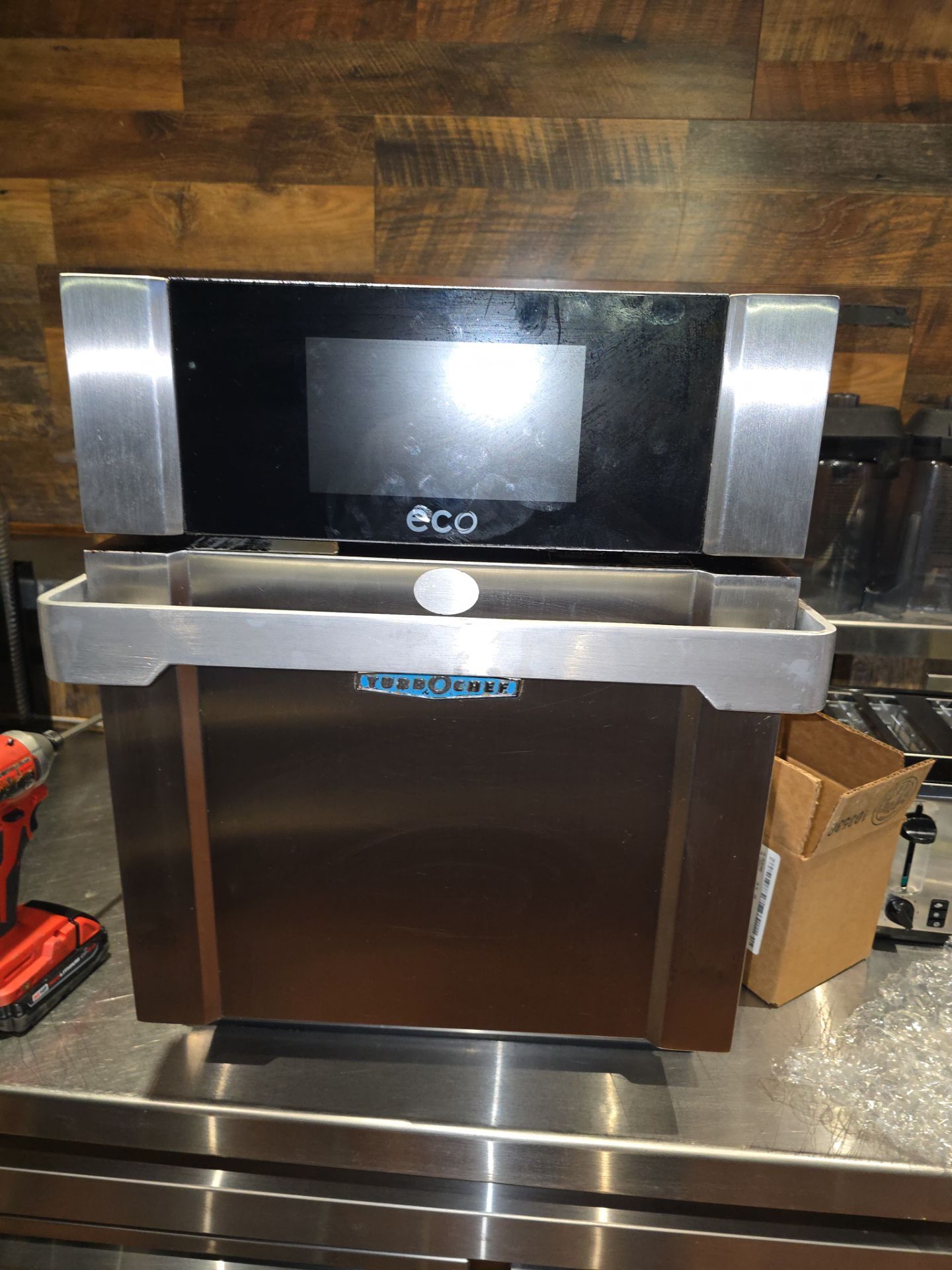
Error Code F1: Blower Motor Failure
The F1 error code is one of the most common TurboChef fault codes and indicates that the blower motor isn’t running or isn’t communicating properly with the main control board. The oven relies on high-speed impingement air to cook food rapidly, so when the blower fails, the entire cooking process stops.
What Causes F1 on a TurboChef Oven?
Power interruption is the most frequent trigger. If the circuit breaker tripped or power flickered, the motor controller may lose sync with the main board. Before assuming the worst, try these steps:
- Check and reset the circuit breaker
- Turn the oven to “Off” mode and wait 2 full minutes
- Unplug the oven, wait another 2 minutes, then plug back in
- Power on and attempt to heat
If the F1 code returns after a full power cycle, the blower motor itself is likely defective. The motor controller monitors RPM feedback, and when it detects no running status, it throws F1 as a safety measure. At this point, you’ll need a certified commercial oven technician to diagnose whether the motor, the controller board, or the wiring harness needs replacement.
Pro tip from our techs: On older Bullet and Tornado models, we’ve seen F1 codes caused by loose wire connections at the motor controller — not a failed motor. A thorough inspection before replacing parts can save hundreds of dollars.
Error Code F2: Low Cook Temperature
An F2 fault means the oven isn’t reaching or maintaining its target cooking temperature. This code often appears during the preheat cycle or mid-cook, and it’s one of the trickier codes to diagnose because multiple components can be at fault.
What Causes F2 on a TurboChef Oven?
The most common culprits behind an F2 error include:
Tripped high-limit switch: The high-limit safety switch sits at the rear of the oven and will trip if the unit previously overheated. To reset, locate the small button on the back panel and press it firmly. If it trips repeatedly, there’s an underlying ventilation or component issue.
Door alignment problems: TurboChef ovens use door switches as part of their safety interlock system. If the door isn’t sealing properly, the oven may not heat to temperature. Open and close the door firmly several times. Check for warping, debris in the gasket, or misaligned hinges.
Blocked air nozzles: The cooking cavity has precision air nozzles that direct hot air onto food. When these get clogged with grease and food debris, airflow decreases and the oven can’t maintain temperature. Regular cleaning of the cavity nozzles is essential preventive maintenance.
Failed heating element: If the reset and cleaning don’t resolve F2, the heating element may have failed. On TurboChef models with convection-only cooking (like certain NGO configurations), a burned-out element is a common cause. This requires professional replacement.
Error Code F3: Low Magnetron Current
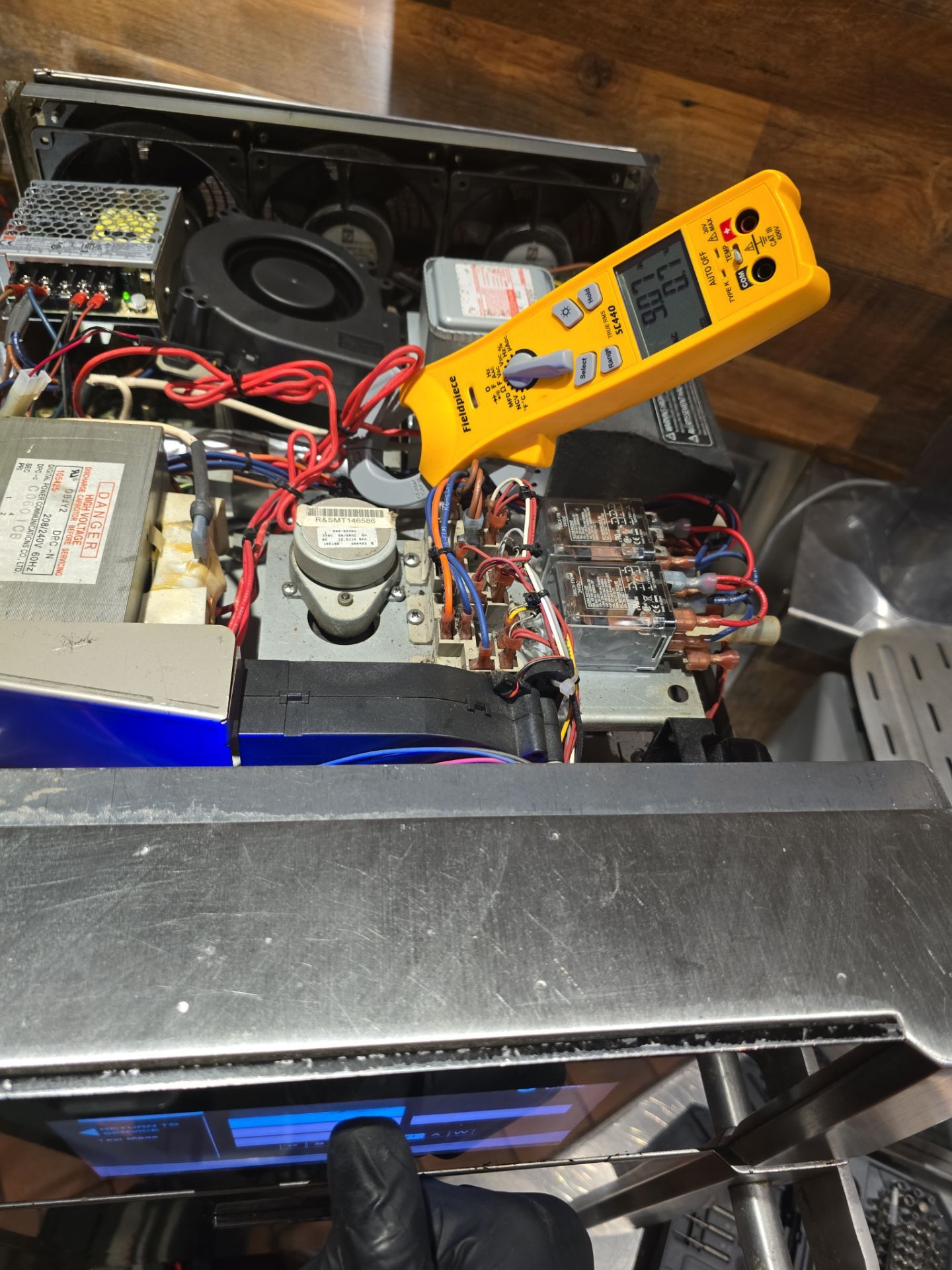
The F3 error is serious — it means the microwave magnetron isn’t drawing enough current, which indicates the magnetron or its supporting circuitry has failed. TurboChef ovens use a combination of microwave energy and impingement air to achieve their signature rapid cooking times, so a magnetron failure cuts your cooking speed significantly.
What Causes F3 on a TurboChef Oven?
Magnetron failure is the primary cause. Magnetrons have a finite lifespan, typically 2,000–5,000 hours of use depending on the model and workload. When they wear out, current draw drops below the threshold and the control board flags F3.
Defective diode or capacitor: The magnetron’s high-voltage circuit includes a diode and capacitor that convert standard power into the high voltage needed to generate microwaves. If either component fails, the magnetron can’t fire properly — even if the magnetron itself is still good.
Loose or corroded connections: High-voltage connections can loosen over time due to vibration and thermal cycling. Corrosion at the magnetron terminals is another common finding during our service calls.
⚠️ Important safety warning: The magnetron circuit stores lethal high voltage even when the oven is unplugged. Never attempt to inspect or repair the magnetron, diode, or capacitor yourself. This repair absolutely requires a trained commercial appliance technician with proper equipment.
At AMB Works, we carry common TurboChef magnetron replacements and can often complete the repair same-day to minimize your kitchen downtime.
Error Code F4: Door Monitor Fault
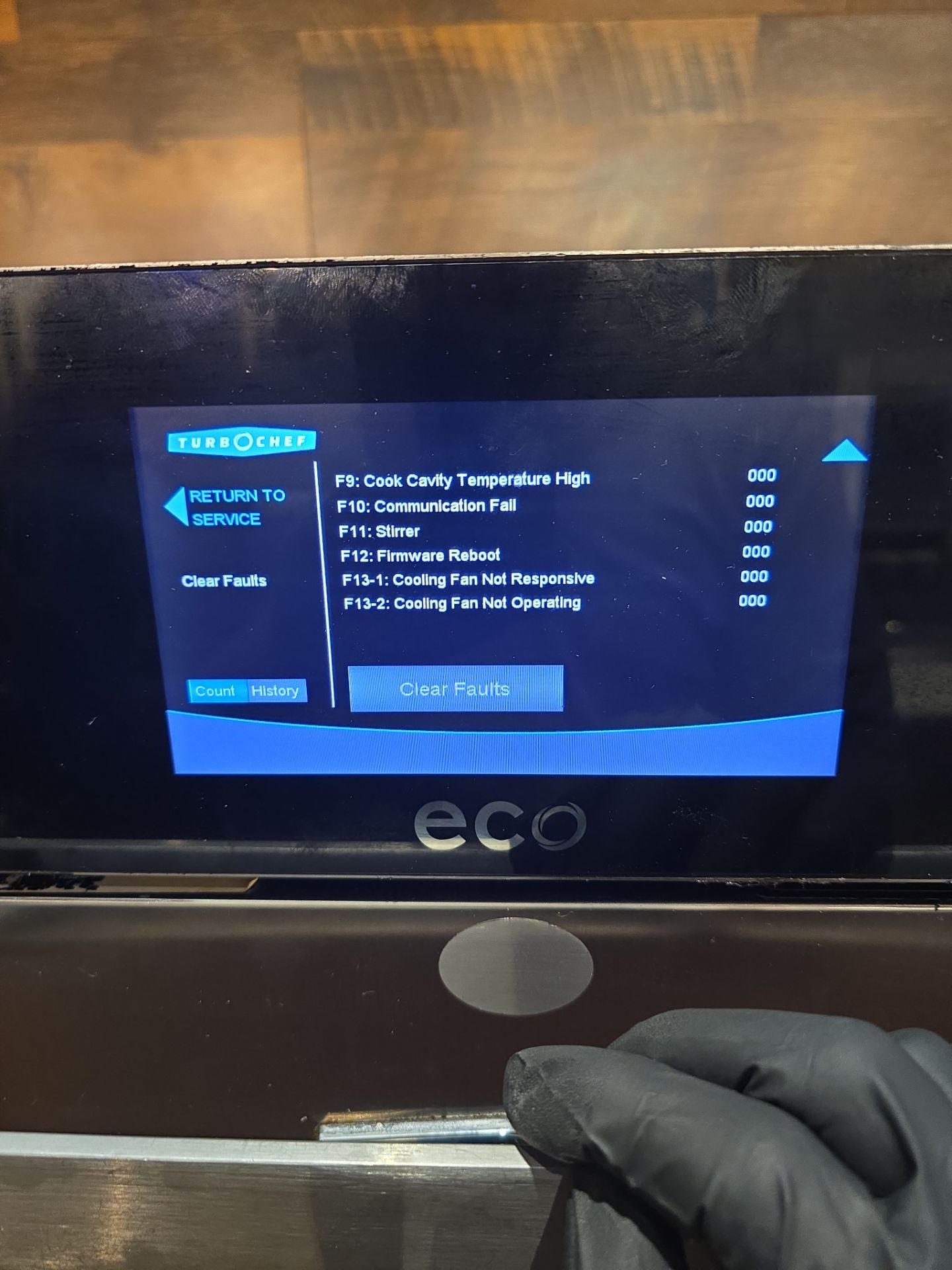
The F4 code indicates a problem with the oven’s door monitoring system. TurboChef ovens use multiple door switches as part of their microwave safety interlock — if the system detects that the door was opened during a cook cycle, or that the switches aren’t functioning correctly, it will display F4 and shut down.
What Causes F4 on a TurboChef Oven?
Door opened during cooking: If someone opened the door mid-cycle (or the door bounced open from vibration), the monitor trips. Simply close the door securely and restart the cook cycle.
Faulty door switches: TurboChef ovens typically have 2-3 interlock switches that must all engage properly. Over thousands of open-close cycles, these microswitches wear out. Symptoms include intermittent F4 codes or the oven refusing to start a cook cycle even with the door closed.
Misaligned door or worn hinges: A door that doesn’t close flush won’t fully engage the interlock switches. Check for bent hinges, worn gaskets, or debris preventing proper closure.
Damaged monitor switch: The monitor switch is a specialized safety component that works in opposition to the primary interlocks. If it fails, the oven will display F4 as a precaution. This component must be replaced by a qualified technician — it’s a critical safety device.
Error Codes F5 & F6: Overtemperature Faults
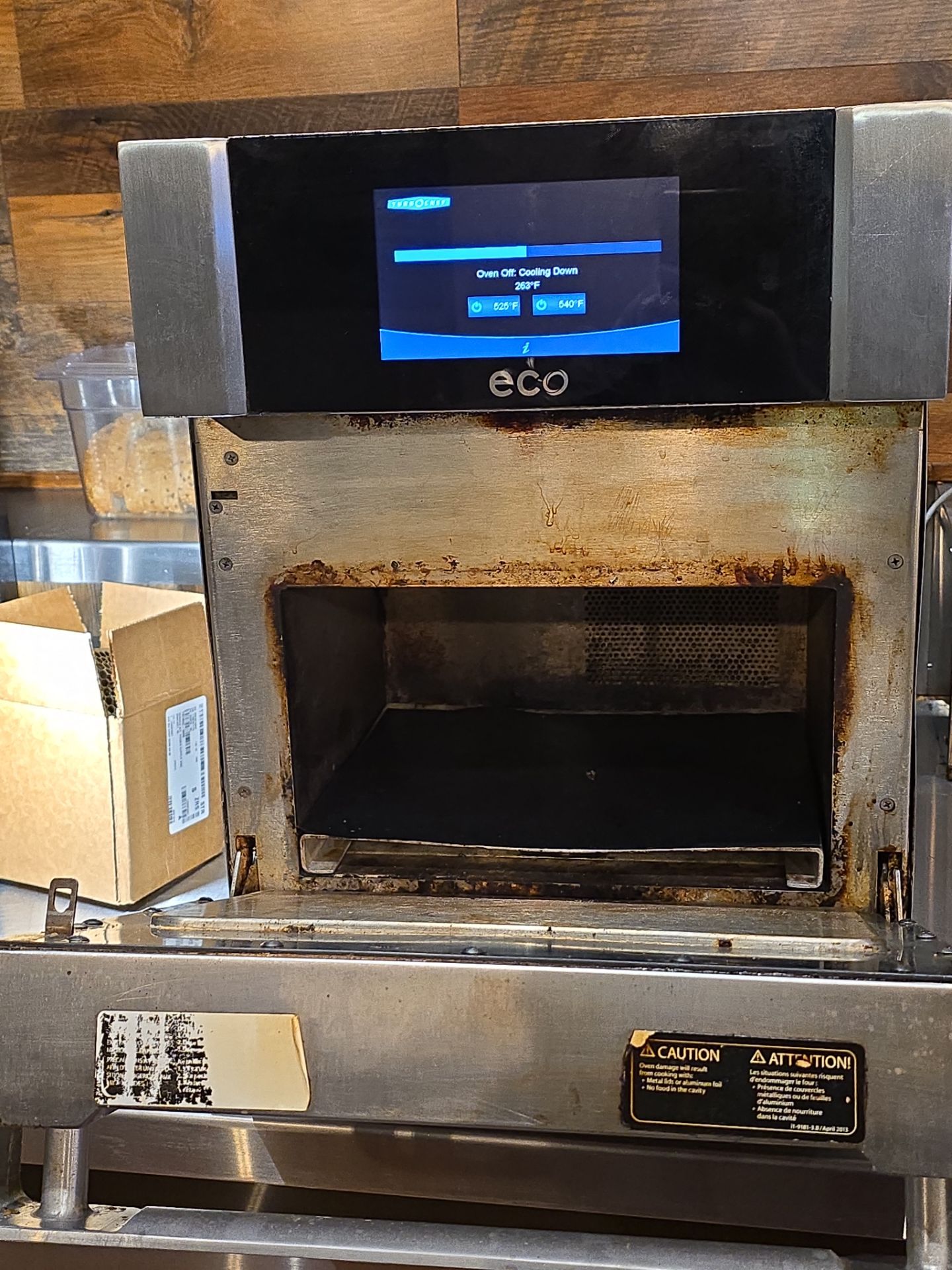
F5 (Magnetron Over Temperature) and F6 (EC Temperature High) are both thermal protection codes that indicate the oven’s internal components are overheating. While they have slightly different triggers, the root causes and solutions overlap significantly.
What Causes F5 and F6 on a TurboChef Oven?
Blocked ventilation: This is the #1 cause of both F5 and F6. TurboChef ovens generate significant heat and rely on adequate airflow around the unit for cooling. When ovens are pushed too close to walls, stacked improperly, or placed near other heat-generating equipment, the cooling system can’t keep up.
- Maintain minimum clearances on all sides (check your model’s installation guide — typically 3-6 inches)
- Ensure the rear exhaust fan has unobstructed airflow
- Don’t stack items on top of the oven
Dirty filters and fans: The rear cooling fans and louvers accumulate grease and dust over time. When airflow is restricted, component temperatures rise. Clean the rear fan assembly, side louvers, and any removable filters at least monthly — more often in high-volume kitchens.
Failed cooling fan: If cleaning doesn’t resolve the overtemperature codes, the cooling fan motor itself may have failed. You’ll often hear a difference — a working fan creates audible airflow at the rear of the unit. If it’s silent, the fan needs replacement.
High ambient temperature: Kitchens that exceed 100°F ambient temperature can overwhelm the oven’s cooling capacity. Improving kitchen ventilation or relocating the oven to a cooler area may be necessary.
When to Reset vs. When to Call a Technician
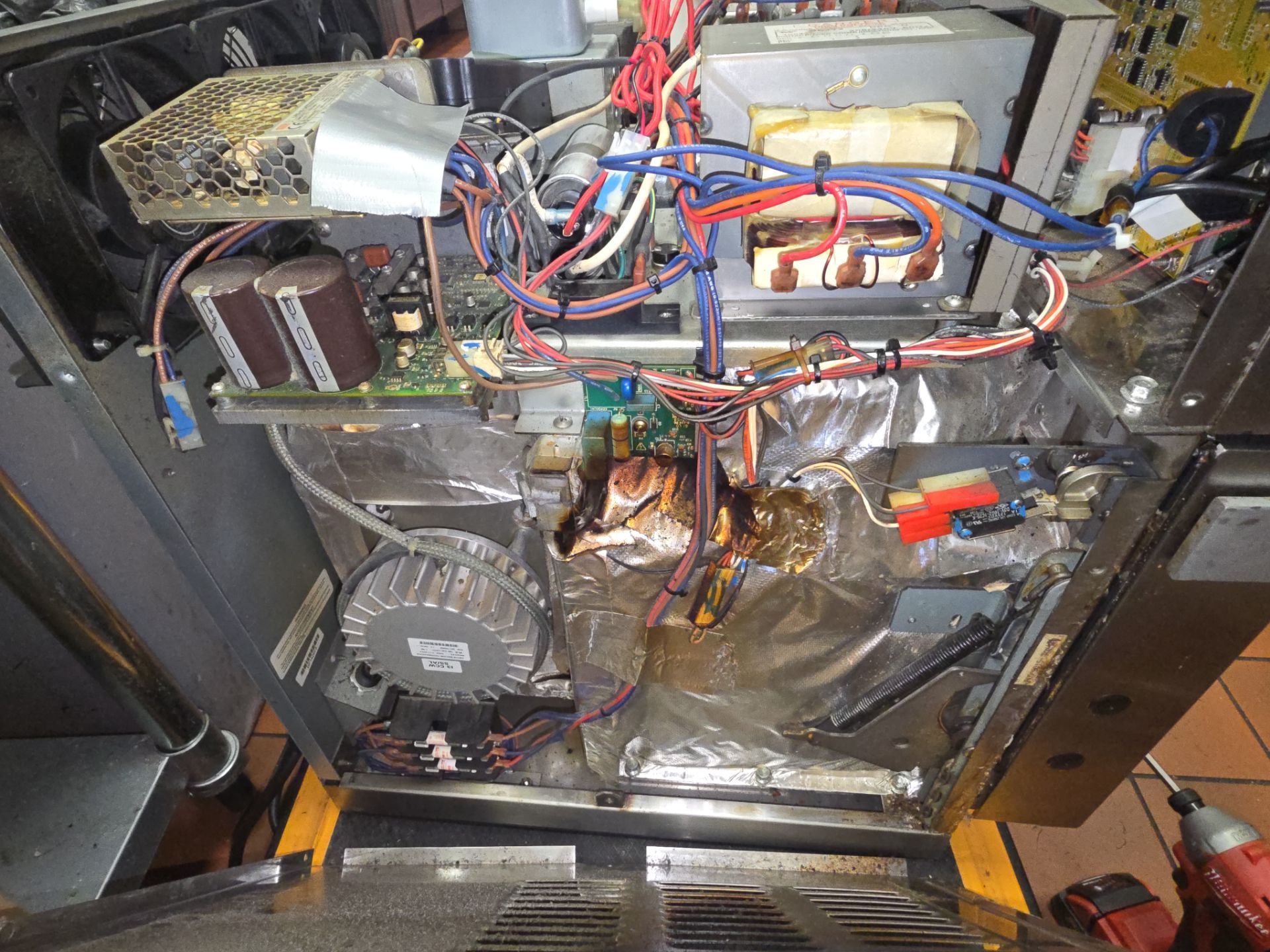
Not every TurboChef error code requires a service call. Here’s a quick reference:
| Error Code | Try This First | Call a Tech If… |
|---|---|---|
| F1 | Power cycle (breaker + unplug 2 min) | Code returns after reset |
| F2 | Reset hi-limit, clean nozzles, check door | Code persists after cleaning |
| F3 | Power cycle once | Code returns — always call for F3 |
| F4 | Close door firmly, check for debris | Code is intermittent or persistent |
| F5/F6 | Clean fans, clear ventilation space | Code returns after thorough cleaning |
Preventive Maintenance That Prevents Error Codes
Most TurboChef error codes are preventable with regular maintenance:
- Daily: Wipe down the cooking cavity, remove food debris from air nozzles
- Weekly: Clean the door gasket and check door alignment
- Monthly: Clean rear fans, louvers, and side ventilation panels
- Quarterly: Have a certified technician inspect the magnetron, blower motor, and electrical connections
A proactive maintenance schedule keeps your TurboChef running at peak performance and prevents surprise breakdowns during your busiest hours.
AMB Works: Your Central Florida TurboChef Repair Experts
When your TurboChef oven throws an error code you can’t clear, AMB Works provides same-day commercial appliance repair across Central Florida. Our technicians are experienced with every TurboChef model — Bullet, Tornado, i3, i5, NGO, and more.
We understand that a down oven means lost revenue for your business. That’s why we prioritize commercial kitchen calls and carry common TurboChef parts to complete repairs in a single visit whenever possible.
Serving restaurants, convenience stores, and commercial kitchens in Clermont, Orlando, Leesburg, The Villages, Winter Garden, and 25+ cities across Central Florida.
📞 Call now: (352) 757-0949
📱 Text us: (352) 757-0949
🌐 Book online
Frequently Asked Questions
What does F1 mean on a TurboChef oven?
The F1 error code on a TurboChef oven indicates a blower motor failure or communication issue between the motor controller and main board. It can sometimes be resolved by resetting the circuit breaker and power cycling the oven. If the code returns after reset, the blower motor likely needs professional repair or replacement.
What does F3 mean on a TurboChef oven?
The F3 error code indicates low magnetron current, meaning the microwave component isn’t functioning properly. This is typically caused by a worn-out magnetron, defective high-voltage diode, or failed capacitor. Due to dangerous high voltages, F3 repairs should always be performed by a certified commercial appliance technician.
How do I reset a TurboChef oven error code?
To reset most TurboChef error codes, turn the oven to Off mode and wait 2 minutes. Then unplug the oven, wait 2 more minutes, and plug it back in. Power on and check if the error clears. If the code returns after a full reset, the underlying component likely needs repair.
Why does my TurboChef oven keep overheating?
TurboChef ovens overheat (F5 or F6 codes) when they can’t get enough cooling airflow. The most common causes are blocked ventilation panels, dirty rear fans and louvers, failed cooling fans, or insufficient clearance around the unit. Clean all ventilation areas and ensure proper spacing from walls and other equipment.
How often should a TurboChef oven be serviced?
Commercial TurboChef ovens should receive professional maintenance at least quarterly. Daily cleaning of the cooking cavity, weekly door gasket inspection, and monthly fan cleaning can prevent most error codes. High-volume locations may benefit from bi-monthly professional service.
Can I fix a TurboChef magnetron myself?
No — TurboChef magnetron repairs should never be attempted without proper training and equipment. The magnetron circuit operates at lethal voltages that remain stored even when the oven is unplugged. Always contact a certified commercial appliance repair technician for any microwave-related repairs.
Related reading: